Samsung stopped selling printers, and HP took over support for the machines already in homes and offices. A Samsung Xpress or ProXpress that shows Offline, rejects a driver, or drops off Wi-Fi is still a normal laser-printer problem. The support path is what changed.
Official Samsung customer service is 1-800-726-7864 and samsung.com/us/support. That line covers phones, TVs, and appliances. For the printer, start at HP printer support and search the Samsung model. The published HP consumer line is 1-800-474-6836. Say “Samsung printer” so you are not sent to a laptop queue.
This guide is the order that fixes most Samsung printer cases before either call. The short contact version is on the Samsung customer service page.
Confirm the printer itself works
Print a configuration or supplies page from the printer panel. You do not need a computer for this.
- If the panel page prints, the engine, toner, and paper path are fine. The problem is the computer, the driver, or the network.
- If the panel will not print, read the code on the screen. Paper, a cover, or a toner or drum message is a hardware or supply issue. Skip Windows until that page prints.
Write down the model, such as SL-M2020, M2835DW, or Xpress M2020W, and the serial number on the back label. HP’s site asks for the model before it shows a driver.
Samsung printer offline in Windows
Offline with a successful panel test is almost always the port or Wi-Fi.
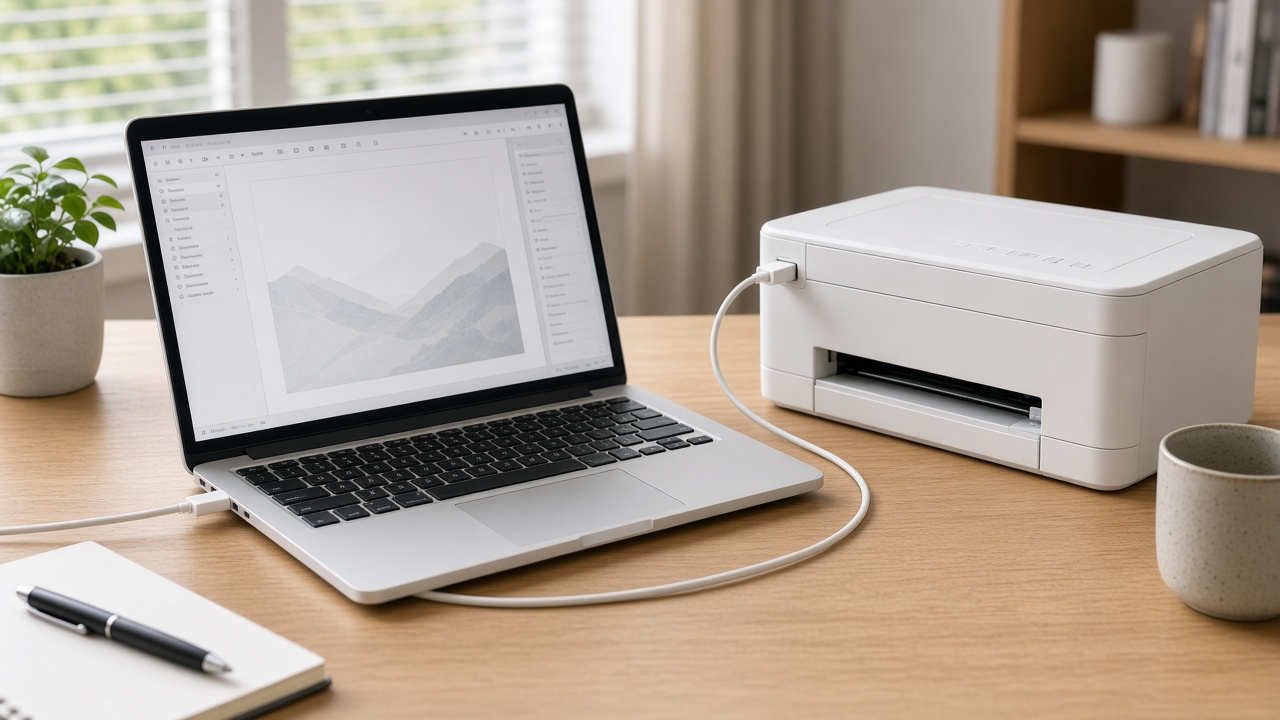
- Restart the printer, then the computer. If it is wireless, restart the router and wait until Wi-Fi is back before you wake the printer.
- Open Settings, Bluetooth & devices, Printers & scanners, and open the Samsung queue. Cancel every stuck job.
- Open Printer properties, Ports. If the port is WSD, change it to a Standard TCP/IP port using the IP address on the configuration page.
- Clear “Use Printer Offline” if that box is checked.
- Restart the Print Spooler service, then print a one-line test from Notepad.
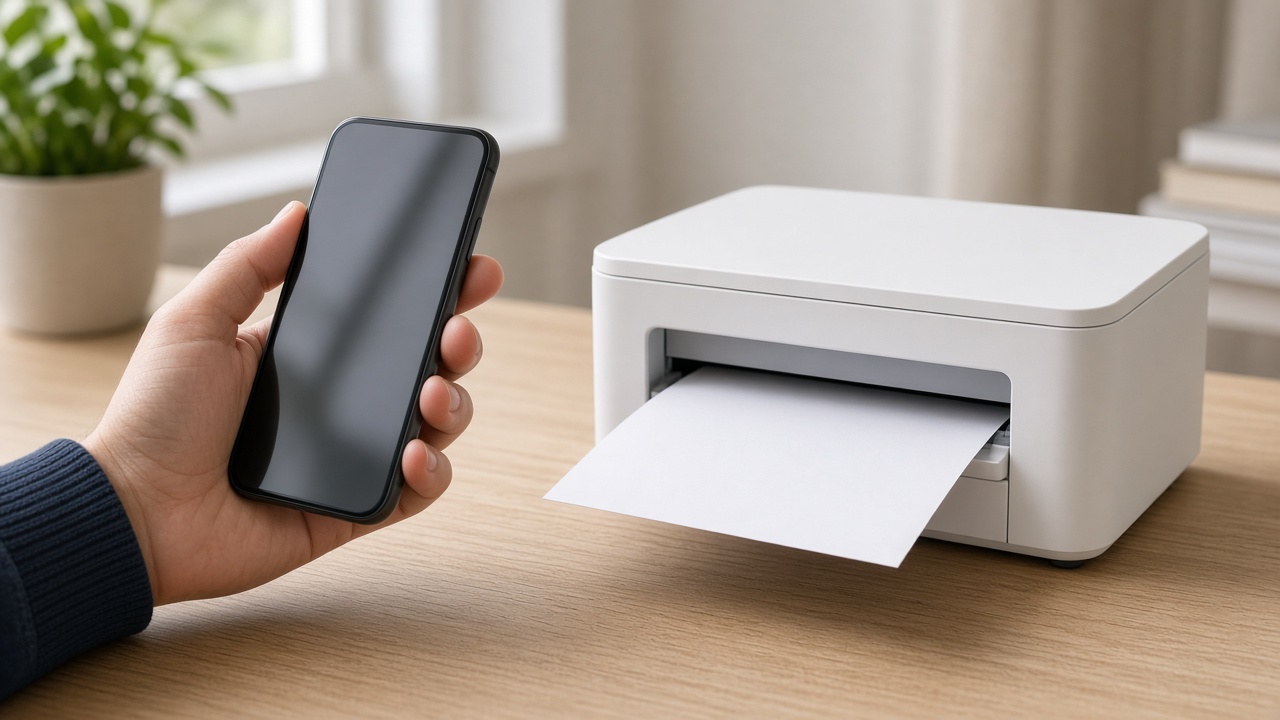
A printer that only fails from one PC, while a phone can still print to it, is a driver or port on that PC.
Drivers after HP took over
Samsung no longer publishes new printer packages. HP hosts the drivers that still install.
- Go to support.hp.com and search the exact Samsung model.
- Download the driver HP lists for your Windows version.
- Remove the old Samsung queue first if Windows already installed a broken class driver: Settings, Printers, remove the device, then restart and install the HP package.
Some very old models have no Windows 11 package. In that case use the Windows built-in driver HP or Windows offers for that model, or keep the printer on USB. A paid “driver updater” site is not Samsung and is not HP.
Wi-Fi drops
Samsung wireless lasers join 2.4 GHz. A mesh system that hides the 2.4 GHz name will leave the printer offline while phones look fine.
- Connect the printer to the 2.4 GHz network, not a guest network and not a 5 GHz-only name.
- Reserve the printer’s IP in the router, or set a static IP, so Windows keeps the same TCP/IP port.
- After you change the Wi-Fi password, the printer must be joined again. It will not follow the new password on its own.
USB is the reliable fallback while you sort Wi-Fi out. If USB prints and Wi-Fi does not, the engine is fine.
Toner, drum, and paper jams
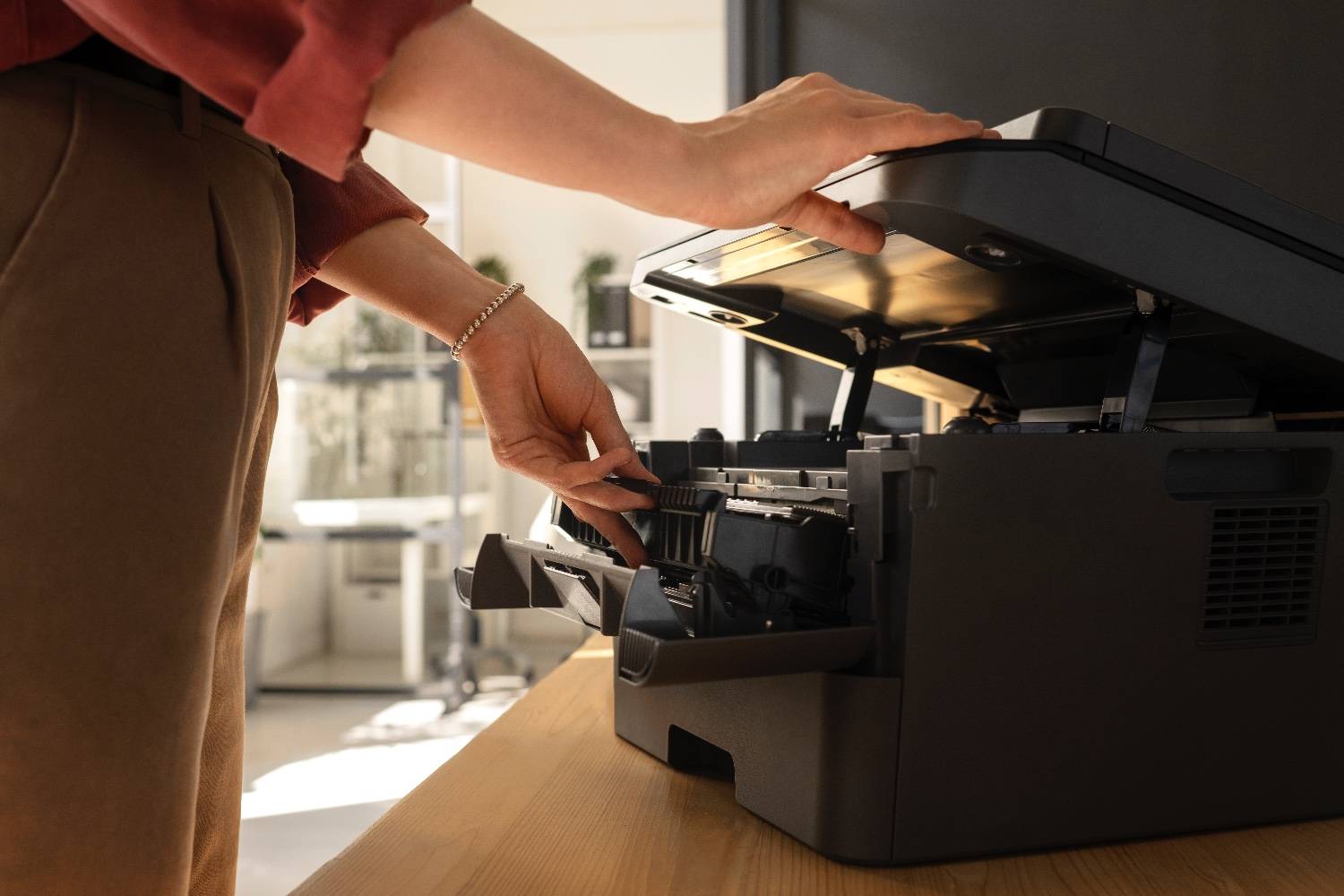
A “replace toner” or drum message is the printer telling you a supply is at end of life. Reseating the cartridge and checking the chip contacts fixes a cartridge that was just installed and is not recognized. It does not refill an empty toner.
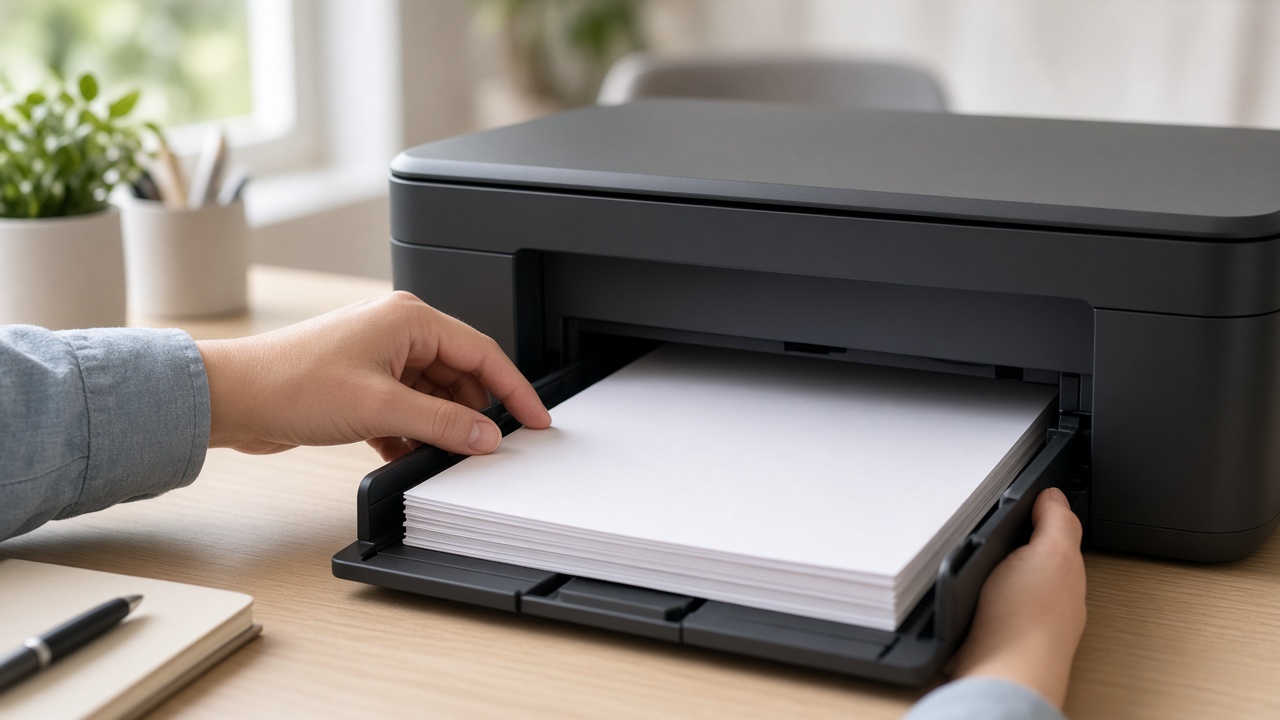
For a jam, power the printer off, open every cover, and pull the sheet in the direction of the paper path. Torn scraps left under the fuser cause the next jam. Do not run the printer with a cover open to “test” it.
Which number to call
| Problem | Where to go |
|---|---|
| Phone, TV, or Samsung account | 1-800-726-7864 and samsung.com/us/support |
| Printer driver, warranty repair, or a hardware code | HP printer support, and say it is a Samsung printer |
| Offline only on the PC after the steps above | A remote session is faster than either hold queue |
Hours on both sites change. If a recording disagrees with this page, follow the recording. Do not call a number that only appears in a search ad, and do not give remote access to someone who called you first.
Frequently asked questions
Who supports Samsung printers now?+
HP supports Samsung printers. Drivers, manuals, and printer repairs are on support.hp.com. Samsung’s own line, 1-800-726-7864, is for phones, TVs, and other Samsung products.
Why is my Samsung printer offline?+
The usual causes are a dropped Wi-Fi connection, a WSD port in Windows, or a driver Windows replaced after an update. Print a configuration page from the panel. If that page prints, fix the computer connection instead of the printer hardware.
Where do I download a Samsung printer driver?+
Search the Samsung model on https://support.hp.com/us-en/printer. Use the package HP lists for that model. Do not install a driver from a search ad.
What is the Samsung customer service phone number?+
Samsung’s U.S. number is 1-800-726-7864 (1-800-SAMSUNG). For the printer itself, use HP printer support and say it is a Samsung printer.