The tray looks full and the printer still says Out of paper or Load paper. It is not counting pages. A sensor, a guide, or the job itself is telling the printer that the stack it expects is missing.
Work the hardware first, then the print job.
Seat the paper the way the sensor expects
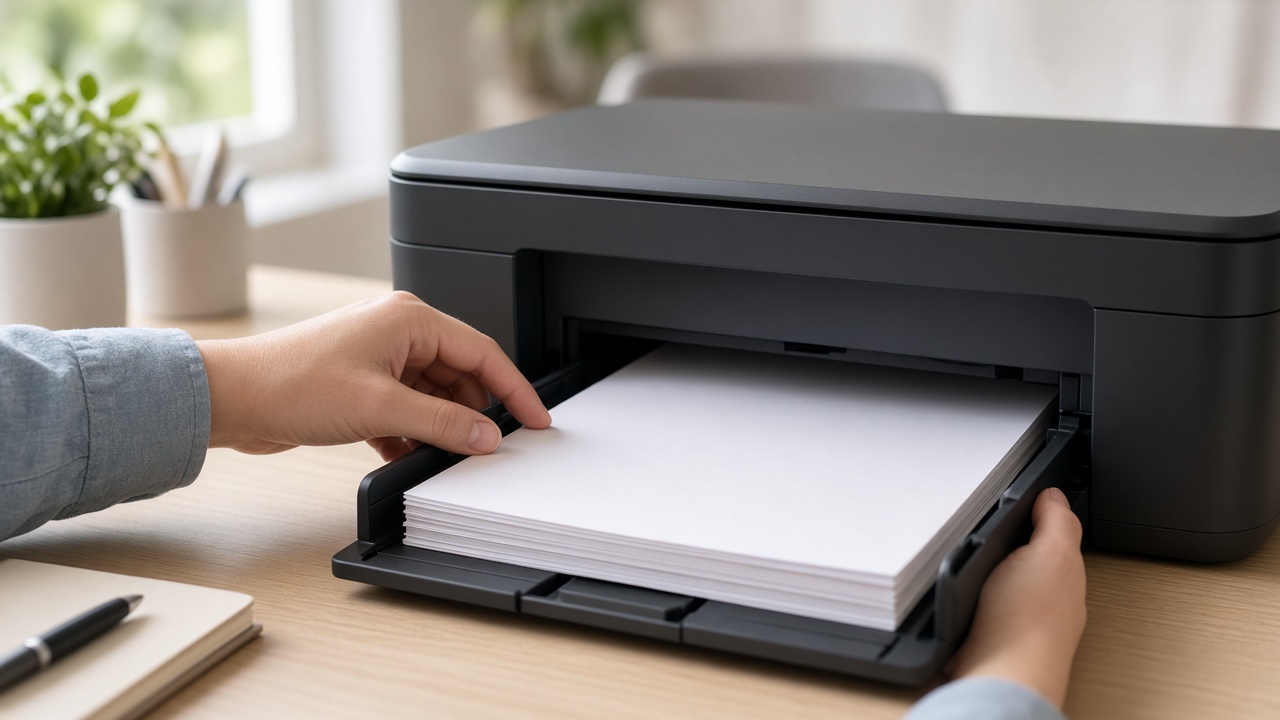
- Pull the tray all the way out.
- Take the stack out. Fan it so sheets are not stuck together, then square the edges.
- Load under the maximum line. An overfilled tray lifts the paper past the sensor and the printer treats the tray as empty.
- Slide the width and length guides until they touch the stack. Too loose and the paper sits off the flag. Too tight and the stack buckles and never reaches the pickup.
- Push the tray in until it clicks or the printer panel shows the tray as closed. A tray that looks in but is short by a centimeter is a common cause.
Print one page from the printer menu, not from the computer. If that page prints, the tray is fine and the job settings are wrong.
Match the size the job asked for
| What you sent | What the printer has | What you see |
|---|---|---|
| Letter | A4 set on the panel | Load paper or size mismatch |
| A4 | Letter in the tray | Same message |
| Envelope or photo | Plain paper in Tray 1 | Load the other tray |
| Manual feed selected | Main tray full | Out of paper on the bypass |
In Word, Chrome, or the app, open the print dialog and set the paper size to the size actually in the tray. On the printer panel, set that same size for the tray. Then cancel the old job so it does not ask for the wrong size again.
Check the tray you are not looking at
- Rear or manual feed with no sheet loaded, while the driver is set to that source.
- Tray 2 or a photo tray that the job selected by mistake.
- A duplex unit that is open, which some models report as a paper error instead of a door error.
If the panel names a tray, fix that tray before you reload Tray 1 again.
When the tray is correct and it still complains
Power the printer off, remove the tray, look for a torn scrap where the paper enters, and put the tray back. A corner of a previous jam can hold the paper-present flag up so the printer never sees the new stack.
Do not spray air into the sensor and do not bend the plastic flag. If a test page from the panel still says out of paper with a full, correctly guided tray, the flag or sensor is a hardware fault.
Cancel every waiting job in Windows before you test again. A stuck job will repeat the same wrong tray request the moment the printer wakes up.
If the panel test page works and only computer jobs fail, the driver tray or paper size needs a correction. Call +1 888 759 4448 and a technician can change that on the PC while you stay at the printer.
Frequently asked questions
Why does my printer say out of paper when the tray is full?+
The printer is not counting sheets. A sensor did not see the stack, the guides are too tight, the tray is not pushed in, or the job asked for a size or tray that is empty.
Which tray should I check first?+
Check the tray named in the error, not only the main tray. Manual feed, rear feed, and a second cassette are common misses when Tray 1 looks full.
Does paper size in Word cause an out-of-paper message?+
Yes. A Letter job sent while the printer is set to A4, or the reverse, makes many printers wait for the other size and report it as out of paper or load paper.
Should I blow on the sensor or take the printer apart?+
No. Remove the stack, fan it, set the guides, and seat the tray until it clicks. If the message stays with a correct tray, the sensor or a tray flag needs service.
Can remote support fix a false out-of-paper error?+
Remote support can fix the Windows paper size, the selected tray, and a job that keeps asking for the wrong cassette. Someone at the printer still has to reseat the tray.