Windows shows Paused or Needs attention, the job sits in the queue, and nothing comes out — even though the printer looks idle. These statuses are Windows telling you it will not send data until something is cleared. The printer may already be fine; the queue is not.
Work the hardware message first, then the Windows queue. Skipping that order is why “Resume” only works for one page.
Read the printer panel before you touch Windows
Look at the printer display or lights:
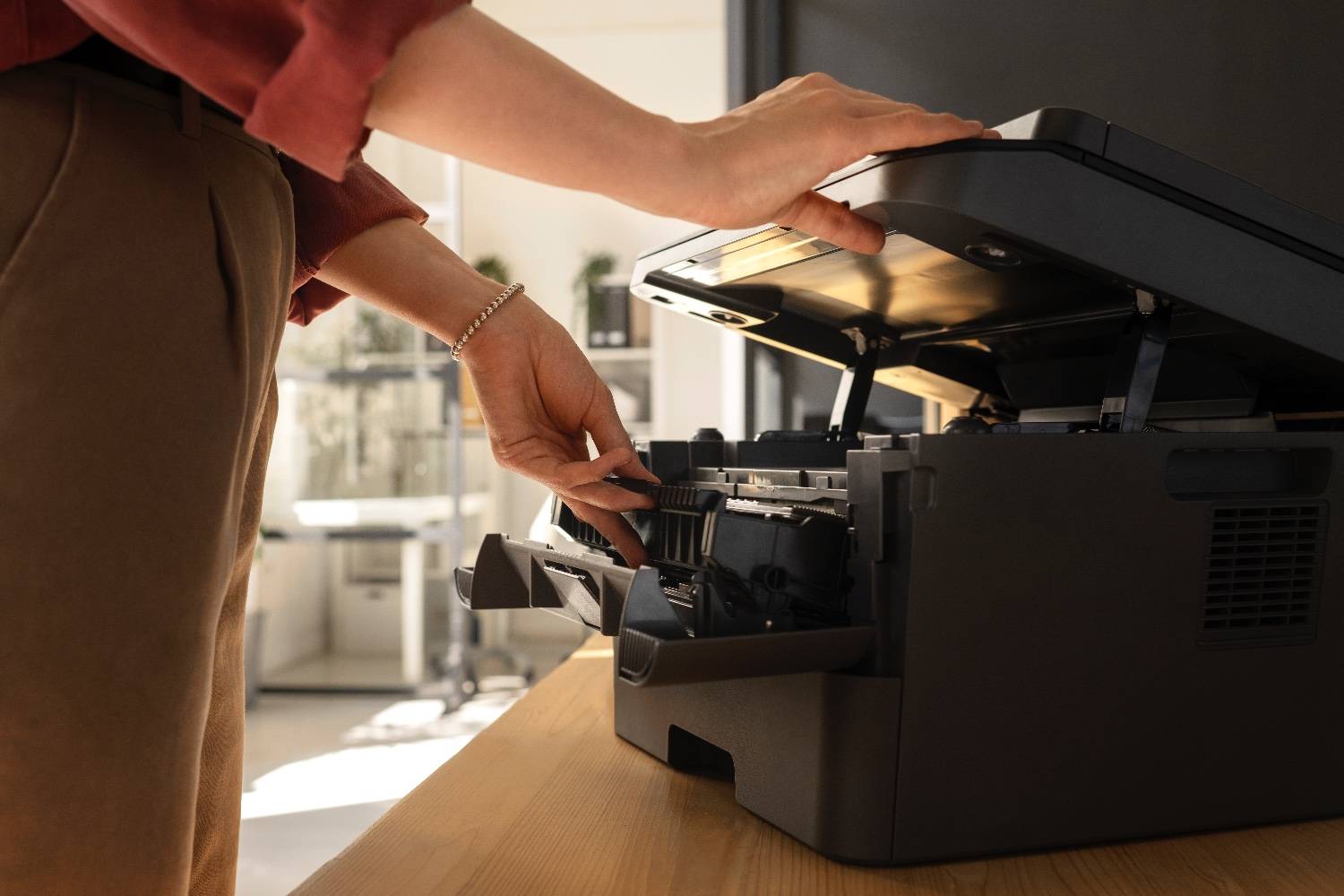
- Open doors, ink access flaps, and paper trays — even a slightly ajar cover triggers Needs attention.
- Confirm paper is loaded in the tray the job asked for (Letter vs A4 mismatches pause many office printers).
- Reseat ink or toner until the printer recognizes the cartridge.
- Clear any jam message completely; fragments left in the duplex path keep the status sticky.
When the panel is idle and error-free, move to Windows.
Unpause the queue the right way
- Settings → Bluetooth & devices → Printers & scanners → your printer → Open print queue.
- Open the Printer menu.
- Uncheck Pause Printing if it is checked.
- Uncheck Use Printer Offline if that appears.
- Cancel all stuck documents.
- Send a Windows test page.
If Pause comes back immediately, the driver is still receiving a fault from the device — go to the spooler reset next.
Reset the Print Spooler when status will not clear
- Press Win + R, type
, open Print Spooler.services.msc - Click Stop.
- Open
and delete the files inside (not the folder).C:\Windows\System32\spool\PRINTERS - Start Print Spooler again.
- Reopen the queue and confirm it is empty, then print.
This clears zombie jobs that keep the UI stuck on Needs attention after the printer already recovered.
Fix the usual “attention” triggers
| Status trigger | What to do |
|---|---|
| Paper size / type mismatch | Match Word/Chrome paper size to the tray |
| Low ink stop-print policy | Replace or override low-ink stop in printer settings |
| Cartridge not detected | Clean contacts, reseat, close door fully |
| Duplex jam sensor | Open rear door, remove scraps, close firmly |
| Offline + Needs attention | Switch port to Standard TCP/IP, then reprint |
Brand quirks worth knowing
- HP Smart often shows Needs attention for account or Instant Ink prompts that are not true hardware failures — check the printer screen, not only the app.
- Epson status monitors can pause jobs on ink warnings; open the Epson Status Monitor and confirm jobs are allowed to continue.
- Brother LCD messages for toner or drum life can hold the queue until you acknowledge the prompt on the device.
- Canon cover sensors are sensitive — close the top cover until it clicks before you resume Windows.
Still paused after a clean queue?
If the panel is clear, the spooler is reset, and Windows still will not resume, the queue or driver is corrupted. Remote support can rebuild it and confirm the port so jobs flow again.
📞 Call +1 888 759 4448 for remote printer support across the US.
Frequently asked questions
What does “Paused” mean on a Windows printer?+
Paused means Windows stopped sending jobs to that queue. Someone clicked Pause Printing, a previous error put the queue on hold, or the printer reported a cover open / out of paper condition that Windows never cleared.
What does “Needs attention” mean?+
Needs attention is a catch-all status. Check the printer screen for paper, ink, toner, a jam, an open door, or a cartridge not seated. Fix the hardware message first, then clear the Windows queue.
How do I unpause a printer?+
Open Printers & scanners → your printer → Open print queue. Under Printer, uncheck Pause Printing. Cancel stuck jobs, restart the Print Spooler service, and send a test page.
Why does it pause again after every job?+
Recurring pauses usually mean a real alert is still active (low ink warning set to stop jobs, paper size mismatch, or a half-open cartridge door) or the driver keeps faulting. Match paper size in the app and printer, reseat supplies, then update the driver.
Can remote support fix this?+
Yes. If the printer panel is clear but Windows still shows Needs attention, a technician can clear the spooler, rebuild the queue, and correct port or driver faults without an on-site visit.